
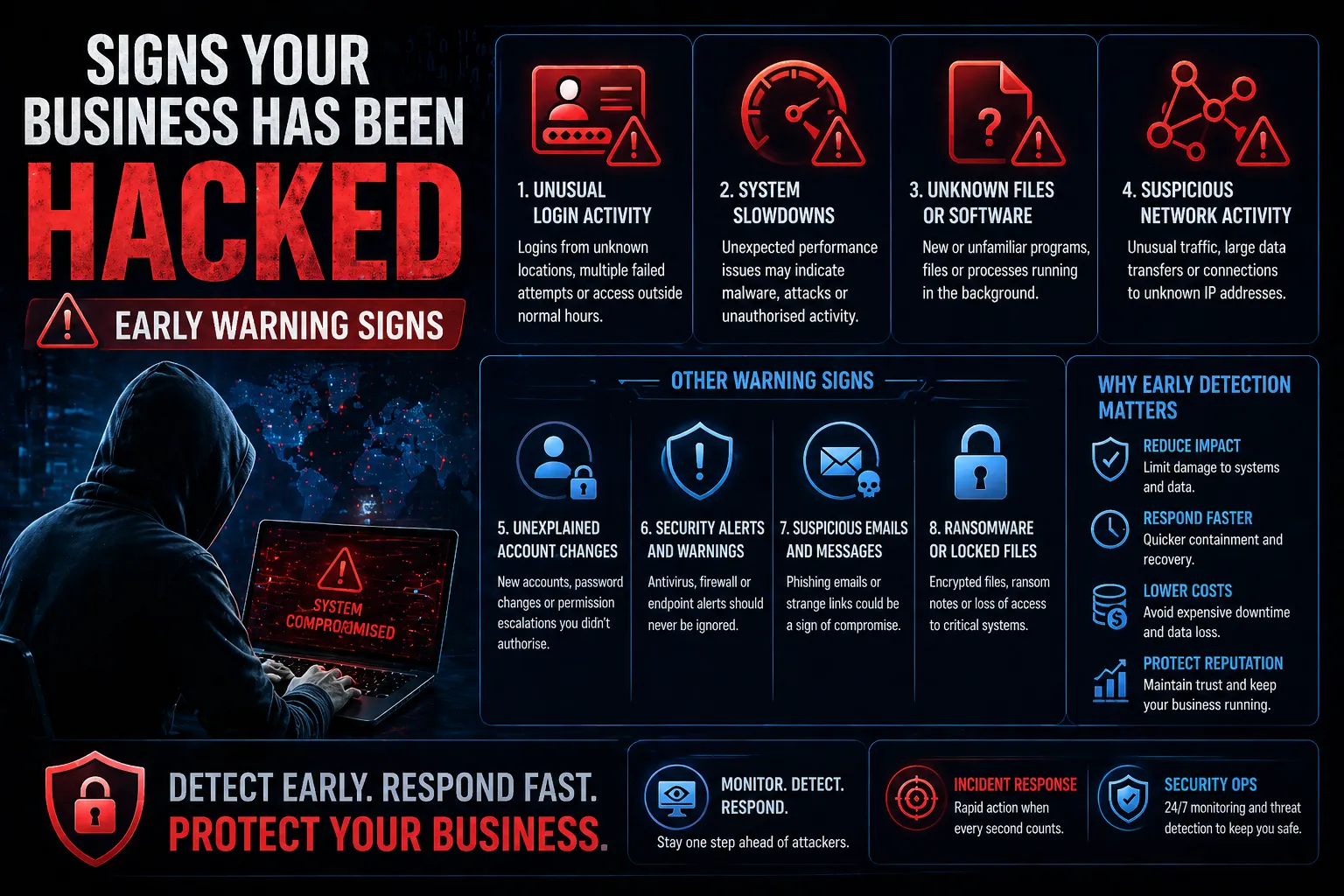
Cyber attacks rarely happen all at once. In most cases, there are early warning signs that something isn’t right — but they are often missed or ignored.
Recognising these signals early can be the difference between a minor incident and a major breach.
So, what are the signs of a cyber attack, and how can you spot them before it’s too late?
This guide outlines the most common warning signs and what to do if you suspect your business has been compromised.
Signs of a Cyber Attack
Signs of a cyber attack are unusual behaviours or system changes that indicate unauthorised access or malicious activity.
These signs can appear across systems, networks and user accounts.
Common indicators include:
- Unexpected system behaviour
- Unusual login activity
- Slow performance or outages
- Unknown files or programs
- Suspicious network traffic
Identifying these signs early is critical to limiting damage.
1. Unusual Login Activity
One of the earliest signs of a cyber attack is suspicious login behaviour.
Examples:
- Logins from unfamiliar locations
- Multiple failed login attempts
- Access outside normal business hours
This may indicate compromised credentials or unauthorised access.
2. Unexpected System Slowdowns
If systems suddenly become slow or unresponsive, it could be due to malicious activity.
Possible causes:
- Malware running in the background
- Cryptocurrency mining
- Distributed denial-of-service (DDoS) activity
Performance issues should always be investigated.
3. Unknown Files or Software
Attackers often install tools to maintain access or move within a network.
Watch for:
- New or unfamiliar programs
- Unexpected file changes
- Files appearing in unusual locations
These may indicate malware or unauthorised activity.
4. Suspicious Network Activity
Unusual network traffic can be a strong indicator of compromise.
Examples:
- Large amounts of outbound data
- Connections to unknown IP addresses
- Unusual internal traffic patterns
This may indicate data exfiltration or lateral movement.
5. Unexplained Account Changes
Changes to user accounts or permissions can signal a breach.
Look for:
- New admin accounts
- Password changes without authorisation
- Permission escalations
Attackers often modify accounts to maintain access.
6. Security Alerts and Warnings
Security tools often detect early signs of compromise.
Examples:
- Antivirus or endpoint alerts
- Firewall warnings
- Suspicious activity notifications
Ignoring these alerts can allow attacks to progress.
7. Ransomware or Locked Files
In more advanced stages, attacks may become obvious.
Indicators include:
- Files being encrypted
- Ransom notes appearing
- Loss of access to systems
At this point, immediate action is required.
Why Early Detection Matters
The earlier a cyber attack is detected, the less damage it can cause.
Key benefits of early detection:
- Reduced impact – Limits damage to systems and data
- Faster response – Enables quicker containment
- Lower recovery costs
- Improved business continuity
What to Do If You Suspect a Cyber Attack
If you notice any signs of a cyber attack, take immediate action.
- Isolate affected systems
- Change compromised credentials
- Preserve logs and evidence
- Notify internal stakeholders
- Engage security professionals
A fast, structured response is critical.
How This Fits into Cyber Security Strategy
Detecting cyber attacks requires a combination of monitoring and response capabilities.
- Security Operations for continuous monitoring
- Incident Response for rapid containment and recovery
- Threat detection and analysis
- Log monitoring and alerting
These capabilities help organisations detect and respond to threats before they escalate.
Conclusion
So, what are the signs of a cyber attack?
They are early warning signals that indicate suspicious activity, compromised systems or unauthorised access.
By recognising these signs early, organisations can:
- Detect attacks faster
- Reduce damage
- Protect sensitive data
- Strengthen overall security posture
FAQs
What are the first signs of a cyber attack?
Unusual logins, system slowdowns and suspicious activity are common early indicators.
How do you know if your business has been hacked?
Signs include unknown files, account changes, security alerts and unusual network activity.
What should you do if you suspect a cyber attack?
Isolate systems, secure accounts and initiate an incident response process immediately.
Can cyber attacks go unnoticed?
Yes — many attacks remain undetected for long periods without proper monitoring.